Learn Indonesian with an iPhone Lock Screen Widget (Free)
Bahasa Indonesia prefixes, suffixes, and everyday conversational words.
Bahasa Indonesia is one of the most accessible languages to learn, featuring Latin script, zero verb conjugations, and no grammatical gender. VocabPin accelerates your fluency through continuous ambient vocabulary reinforcement.
Authentic Indonesian Typography & Phonetics
Engineered with native Apple typography rules tailored specifically for Indonesian.
Script & Orthography
Standard 26-letter Latin alphabet with straightforward phonetic consistency.
Pronunciation & Audio Support
Clear syllable stress, with stress typically falling on the penultimate (second to last) syllable.
Sample Indonesian Vocabulary in VocabPin
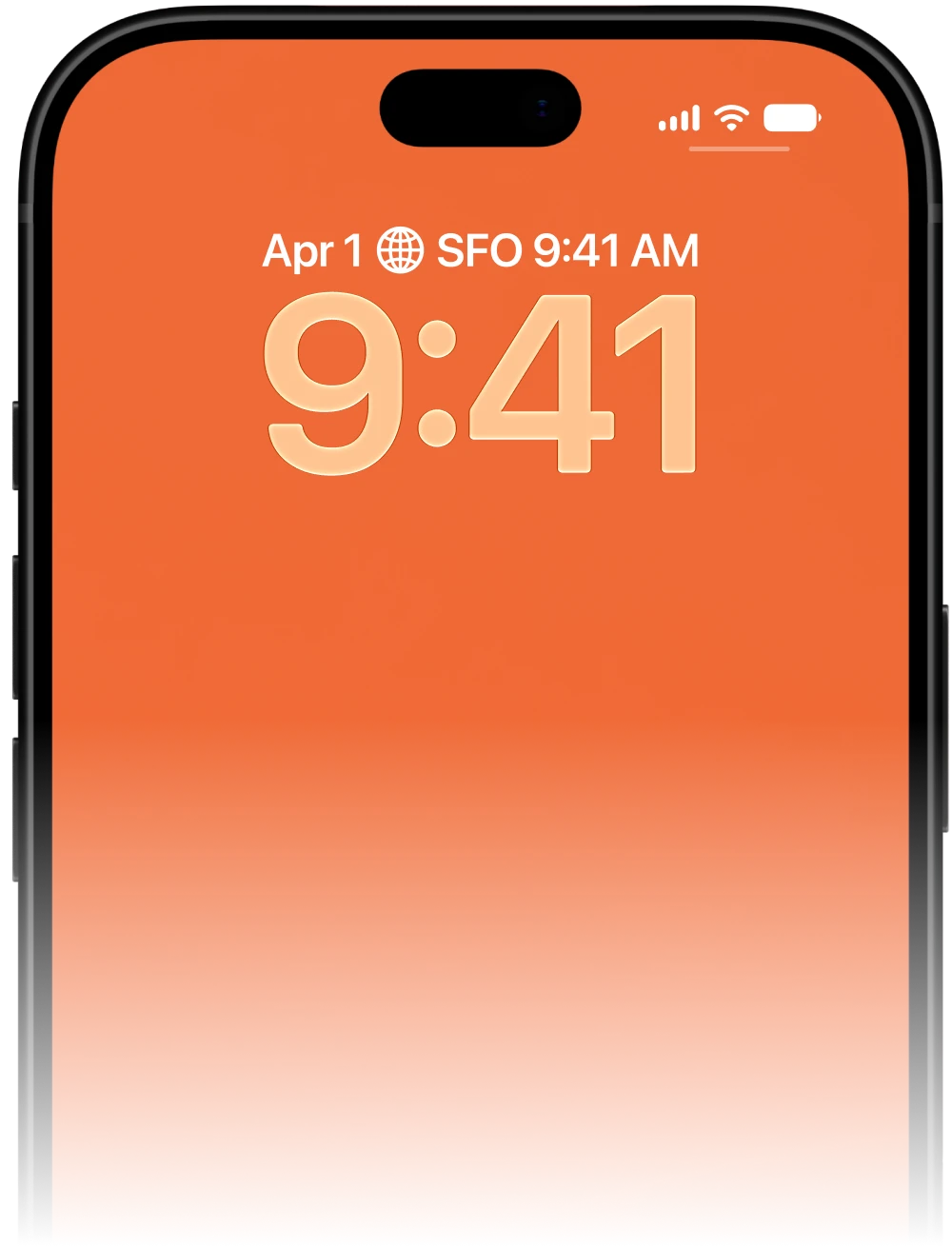
Click any word below to preview it on the Lock Screen widget above and hear its native pronunciation.
CEFR
A guide to Indonesian proficiency levels
CEFR is a useful reference when choosing a learning goal. The levels below describe language ability or exams, not an official list of words.
A1 → A2 → B1 → B2 → C1 → C2
Start with everyday words and short phrases. Notice the spelling, listen to the pronunciation, and recall the meaning before checking it. Revisit a few words regularly and use them in your own sentences.
Vocabulary examples on this page are for practice; their level labels do not certify exam coverage. A widget can support review alongside listening, reading and speaking practice.
Read the official level guide ↗Explore another framework or assessment: UKBI ↗
Why passive widgets excel for learning Indonesian
Because grammar rules are minimal, vocabulary is 90% of the game in Indonesian fluency. VocabPin feeds you high-frequency base words and affixes daily.
Explore more language widgets
Explore its vocabulary widget
Indonesian Widget FAQ
In-Depth Guides & Science
How to Learn Vocabulary Passively: The Science of Ambient Exposure
Discover the cognitive psychology behind passive language acquisition. Learn why seeing a foreign word 80 times a day on your iPhone Lock Screen builds stronger recall than grueling 30-minute flashcard sessions.
How to Put Vocabulary on Your iPhone Lock Screen (Step-by-Step)
Turn your iPhone into a passive language coach. Here is the complete visual tutorial for adding and configuring vocabulary widgets on your iOS Lock Screen in under 60 seconds.
How Often Do iPhone Widgets Update? iOS Timeline Explained
Ever wondered why some iOS widgets freeze while others update smoothly? Dive into Apple's WidgetKit architecture, timeline budgets, and how VocabPin ensures reliable offline rotation.